
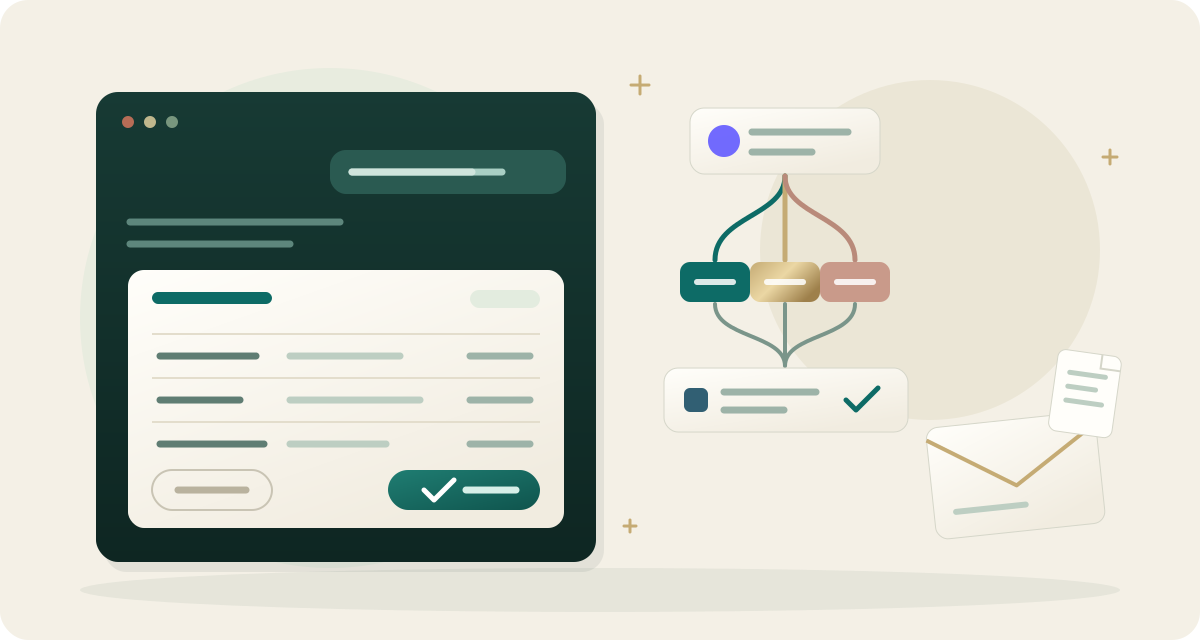
When an assistant prepares bookkeeping entries, the proposed plan now renders as an interactive card directly inside Claude and ChatGPT conversations. You can inspect every row, review payees, categories, and classes, strike out individual lines, or approve the batch without leaving the chat. Available in Zeno Cloud and in the Windows app for QuickBooks Desktop from version 1.17.
Strict human approval
Assistant conversations cannot self-approve plans or write directly to QuickBooks. Posting requires an explicit click on the Approve button from an authorized team member. Rejections can include written feedback explaining why a line was struck so the assistant can adjust its proposal.
Staging ledger modifications on Today
Modifications outside batch plans now queue on Today under Waiting for your approval. This includes voiding or deleting posted entries, issuing invoices, reversing runs, and modifying company settings. Each request shows the exact before-and-after values and runs only after human confirmation.
Whole-mail forwarding in the Inbox
Forwarded emails now arrive intact in the Inbox, preserving the original sender, subject, message body, and attachments. Each client has a dedicated documents address for automatic filing, allowing bookkeepers to inspect original source emails alongside parsed receipt data.
Improvements
- Connect multiple accounts across financial institutions in a single session
- Reconnecting bank logins preserves existing account mappings automatically
- Bank feeds display dedicated columns for payee, category, and class suggestions
- Clients can answer transaction questions by replying directly to notification emails
- Cleanup plans display previous and proposed values side by side for each row
- The Cloud console layout adapts smoothly to mobile phone screens