
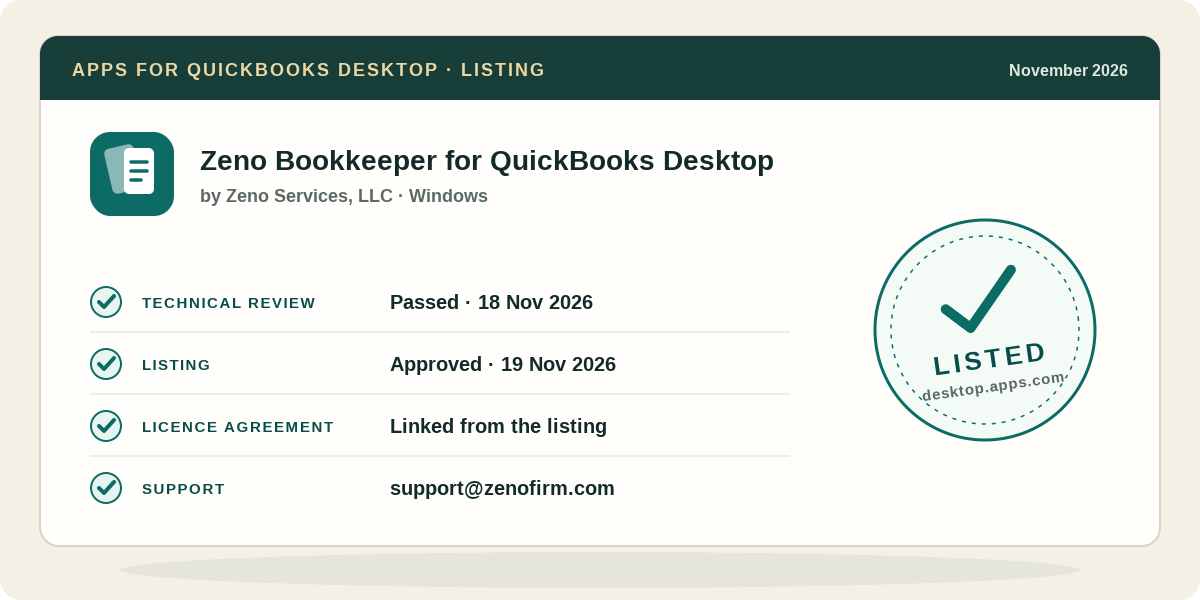
Zeno Bookkeeper for QuickBooks Desktop is now listed on Apps for QuickBooks Desktop, Intuit’s marketplace for software that works with the Windows editions of QuickBooks. Intuit approved the listing on November 19, the day after Zeno passed Intuit’s technical review.
If you keep your books in QuickBooks Desktop, you can now find Zeno where you would look for any other add-on, read what it does, and follow it to the download.
What Intuit checked
Getting listed takes two reviews.
The technical review is hands-on. Intuit’s reviewers installed Zeno on Windows, connected it to QuickBooks Desktop company files and posted transactions through it. They used up the 150 free postings in the evaluation along the way, so we gave them a licence key to keep going.
The listing review covers the listing page itself. Intuit checks that the page explains what the app does for QuickBooks Desktop users, links to a licence agreement and gives a real support contact. The developer also has to be able to back up every claim on the page.
What the listing does not mean
A listing tells you that Intuit reviewed the app and allows it on the marketplace. Intuit doesn’t make Zeno, and it doesn’t stand behind a particular entry that Zeno posts.
That part was always meant to be yours. Your AI prepares the work, Zeno shows you the proposed entries, and nothing reaches the company file until you approve it. Each posting is recorded with who approved it, and supported entries can be reversed.
Getting Zeno
The listing links to our Desktop page, where you download the signed installer:
- Free for 150 transaction postings, with no credit card and no account.
- Works with QuickBooks Desktop Pro, Premier and Enterprise on Windows, alongside your own Claude or ChatGPT subscription.
- When you are ready, buy a licence once, from $449. It includes 12 months of updates, and everything you set up during the evaluation stays in place.
If you have already used Zeno, a review on the listing helps other QuickBooks Desktop users decide whether it fits their work. Questions go to support@zenofirm.com, the same address Intuit has on file.