The bookkeeping work layer for Claude and ChatGPT

Give your AI real work in QuickBooks.

Zeno connects the context your AI can already reach—files, receipts, email, Drive, Calendar, and conversation—to staged bookkeeping work, durable company rules, and controlled QuickBooks execution.

No card or setup feeFeeds, documents, batches, and reportsOne human-approved QuickBooks batch

Keeping your own books? See Zeno for Business. Still on Desktop? Use the local edition.

Interactive guided simulation

Give Zeno the assignment. Keep the final say.

Work happens in the conversation. The console keeps the review, company memory, and complete record behind it.

Fictional records · nothing uploads or posts
ZRidgeline PropertiesSeptember close
Your AI is connected through Zeno
Your AIConversation · primary workspace
Ridgeline scoped

A guided product simulation using fictional financial records. It mirrors Zeno’s conversation, review, memory, and work-log model; no AI provider or QuickBooks company is contacted.

Representational product captures

The same run, visible at every handoff.

Simplified views of the conversation, Zeno console, and QuickBooks result—not pixel-accurate reproductions.

Bring the evidence into the workUse receipts, local files, and connected sources from the AI you already use to research and prepare the entry.
Move work in batchesBulk-code a feed, enter a folder of bills, attach receipts, run recurring work, or prepare cleanup in one instruction.
Record the result in QuickBooksResolve live names and accounts, apply company rules, and bring one exact batch to a person before it posts.
From scattered context to finished books

Zeno gives AI the work surface behind useful bookkeeping.

The assistant brings reasoning and the sources you let it use. Zeno brings one queue of bank and card activity, a document inbox, client rules, live ledger context, exact review, and a controlled path into QuickBooks.

  1. 01Source contextBank activity · receipts · email · files
  2. 02Zeno workQueue · inbox · batches
  3. 03Company memoryRules · facts · playbooks
  4. 04AI in chatCode · match · prepare · explain
  5. 05Human reviewExact entries · named verdict
  6. 06QuickBooksPost · attach · trace
CONTEXT FROM THE WORKDAY
“Use the lease in Drive, the vendor’s email, and this calendar to prepare the entries for review.”

Let the AI gather the reason behind the entry.

When your chosen assistant can reach local files or connected Gmail, Drive, and Calendar, it can use that evidence in the same conversation where Zeno gives it controlled QuickBooks tools.
RECEIPT FOLDER TO QUICKBOOKS
“Match the receipts in this folder to their card charges, flag the uncertain ones, and attach the rest to the correct QuickBooks transactions.”

Move the document with the bookkeeping.

Zeno can match inbox receipts to charges, carry them through the review, and attach each approved source file to its resulting QuickBooks Online transaction.

BULK QUEUE WORK
“Code every Home Depot charge to Repairs & maintenance, class Willow. Exclude the owner purchase and show me what is left.”

Move a run of transactions in one instruction.

The assistant can filter the staged queue, update many lines together, match what is already booked, pair transfers, and prepare the remaining activity as one reviewable batch.

AI-MANAGED RULES
“Every LUCCHINI FUEL charge under $500 goes to Gas & Oil, class Overhead Costs. Test that rule, then make it automatic.”

Turn one correction into a durable system.

Zeno previews the exact work a rule would catch. Once confirmed, new connected or imported activity passes through the company’s active rules as it arrives.

BATCHES BEYOND THE FEED
“Enter this folder of vendor bills, prepare monthly invoices from the customer schedule, and hold anything whose terms disagree.”

Use the same leverage across the bookkeeping cycle.

Bills, charges, invoices, payments, deposits, journals, lists, migrations, and cleanup can be prepared together against live QuickBooks names and balances.

ANSWERS AND FOLLOW-THROUGH
“Which clients spent more on repairs this quarter, and which close tasks are still waiting on us?”

Ask across the books, then continue the work.

Reports, ledger queries, company knowledge, playbooks, plans, and work logs give the assistant enough continuity to answer the question and identify the next action.

The practical result: the assistant can use evidence from outside QuickBooks, reason with the books, and prepare real work—while Zeno keeps company context durable and the posting decision human.

What Zeno actually contributes

The AI brings intelligence. Zeno gives it a place to do bookkeeping.

Claude and ChatGPT can reason about accounting. Zeno supplies the live work, durable client state, exact QuickBooks execution, and firm-owned record that turn that reasoning into a repeatable operation.

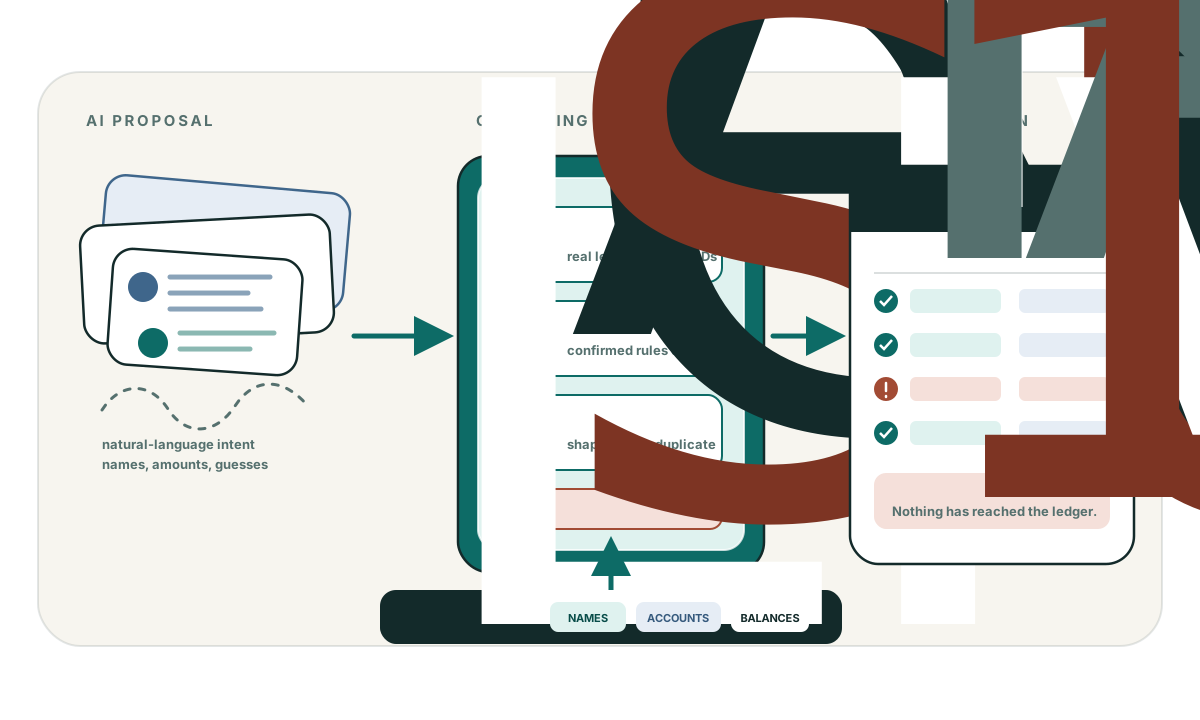
AI proposals passing through Zeno’s grounding and preflight checks to become an exact, reviewable bookkeeping plan.
Sources the assistant can useBank activity, uploaded documents, and the files or connected services available in your chosen AI client.
Rules that live past the conversationThe assistant can test, write, list, update, and retire deterministic coding rules for each company.
Exact QuickBooks executionZeno resolves real names and accounts, checks the ledger, attaches source documents, and creates the right transaction types.
A record the firm ownsPlans, human decisions, QuickBooks identities, corrections, and supported reversals remain after the chat ends.
One batch, from preparation to proof

The AI does the preparation.
You keep the final say.

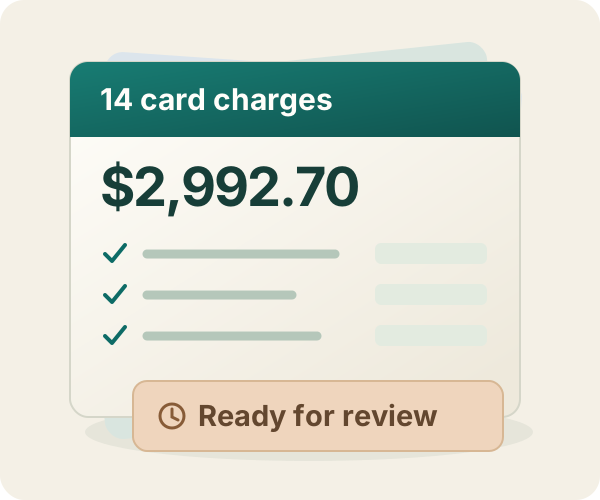
A closer look at a recorded QuickBooks Online workflow. These illustrations follow Northline Services’ fictional card activity through Zeno’s review and posting process.

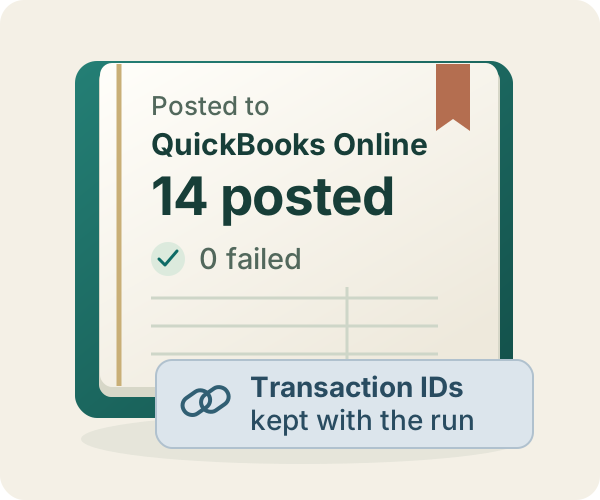
Illustrated workflow · Original captures from September 8, 2026, in Zeno staging and Intuit’s QuickBooks Online sandbox. View the actual QuickBooks register (opens in a new tab)

Built for books you stand behind

Useful access with human authority built in.

Zeno puts the limits inside the workflow and the tools themselves, so the approval boundary stays consistent from one session to the next.

  • Scoped accessThe AI receives only the authorized firm, company, role, and tools.
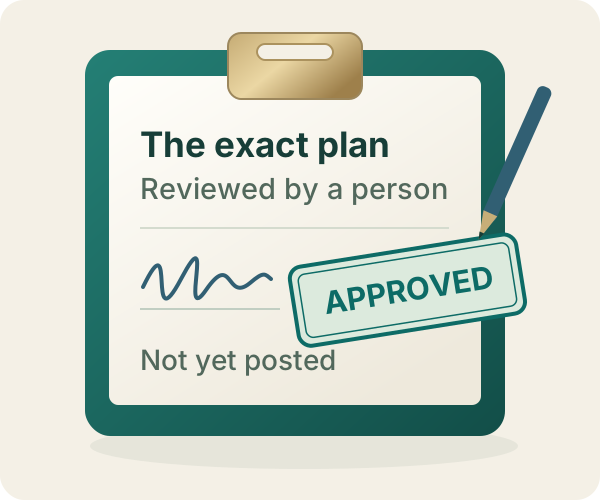
  • Preparation ends at reviewPlanning and applying are separate events with a human decision between them.
  • Approval is exactA verdict authorizes only the entries the reviewer saw.
  • The trail survivesSources, decisions, QuickBooks identities, results, and supported reversals remain connected.
Choose by whose books you manage

For a client practice, your own business, or the Desktop files on your PC.

STANDALONE DESKTOP · FROM $449 ONCE

Bring the entire AI work layer to one Desktop PC.

No account and no cloud: Zeno supplies the local bridge into the company file plus 169 tools for feeds, batches, reports, rules, cleanup, inventory, and practice-wide questions.

FIRST CLIENT · 14 DAYS · NO CARD

Put one real batch through review before you decide.

Connect QuickBooks through Intuit, bring your existing AI plan, and see whether the approval table is one your firm would sign.